

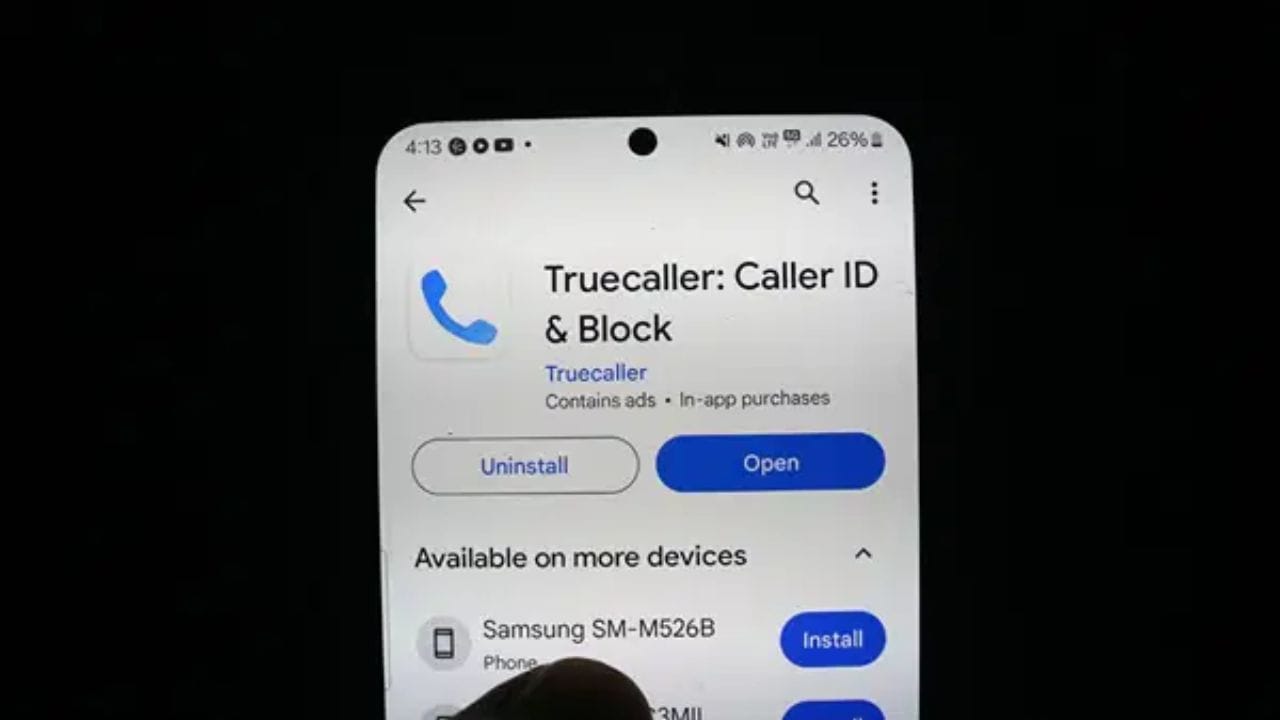
Truecaller is widely used to identify unknown numbers and avoid spam calls. However, many users prefer not to have their name and phone number visible to others on the app. If you’re concerned about your privacy and want to remove your details from Truecaller, it’s important to know the correct process.
Deactivating Your Truecaller Account
Simply uninstalling the Truecaller app or deleting your account does not remove your number from its database. To fully remove your details, you first need to deactivate your account within the app. The steps vary slightly between Android and iPhone users. On Android, open the Truecaller app and tap the three-dot menu at the top. On iPhone, tap your profile picture. Then go to Settings and select Privacy Centre.
There you will find the option to “Deactivate My Account.” After confirming your choice by tapping Yes and then Continue, your account will be deactivated within minutes. Note that once deactivated, you can no longer use features like caller identification and spam protection linked to Truecaller.
Request Unlisting to Fully Remove Your Number
Deactivating the account alone does not erase your number from Truecaller’s directory. To ensure your number cannot be searched or viewed by others, you must also submit an unlisting request. Visit Truecaller’s official website and navigate to the Unlisting section.
Enter your mobile number in the provided box and confirm it. Once submitted, the unlisting request may take up to 24 hours to process. During this time, your number might still appear in searches, so patience is necessary.
If you want to change your name on Truecaller instead, a separate option is available on the site. But keep in mind, changing your name is different from removing your number altogether.
It’s crucial to understand that uninstalling the app alone doesn’t affect your number’s visibility in Truecaller’s records. Only account deactivation followed by unlisting will remove your details from their database, preserving your privacy effectively.
Many users are unaware of these steps and mistakenly assume deleting the app deletes their data. Following the proper procedure can save you from unwanted exposure of your mobile number and identity on Truecaller.
By taking these simple steps, you can regain control over your personal information on Truecaller and ensure your number remains private.