

New Delhi, Delhi
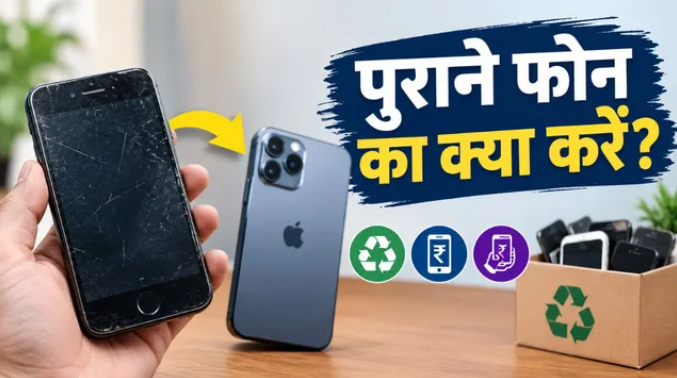
After buying a new smartphone, most people put their old phone away in a cupboard or drawer. Once the data has been transferred to the new phone, the old device may seem useless. However, features such as its camera, microphone, GPS, storage, and internet connectivity can still be put to good use. With a little preparation, an old smartphone can be turned into a home security camera or baby monitor.
Turn Your Old Phone into a Security Camera
If you have an old smartphone with a properly working camera, it can be used as a surveillance camera. There are applications available that allow a smartphone camera to function as a live monitoring camera.
After installing a suitable camera or monitoring app, the phone can be placed in a location where you want to monitor a room, doorway, or another important area of your home. You can then view the camera’s live feed on another smartphone or computer, provided the app supports this feature.
If you plan to use the old phone for continuous monitoring, it is better to keep it connected to a reliable charger. However, you should also keep an eye on the device for overheating when it remains connected to power for long periods. The camera angle should also be adjusted properly so that the area you want to monitor is clearly visible.
It Can Also Work as a Baby Monitor
An old smartphone can also be used to keep an eye on a baby. A phone with a camera and microphone can be placed in a safe location in the baby’s room for video and audio monitoring. Some apps also offer features such as live video, audio monitoring, and recording.
However, it is important to keep the phone out of the child’s reach. The charging cable and smartphone should not be placed anywhere the child could pull the cable or come into contact with the device.
Pay Special Attention to Data Security
Data security should be the top priority before using an old smartphone for a new purpose. If the phone contains personal photos, documents, banking information, passwords, or other sensitive data, take a backup first and then remove the information from the device.
For better security, performing a factory reset and setting up the phone from scratch can be a good option. After that, install only trusted applications and carefully review the permissions granted to each app. Before allowing an app to access the camera or microphone, check why it actually needs these permissions.
Instead of leaving an old smartphone unused in a drawer after purchasing a new device, you can put it to practical use as a home security camera, baby monitor, or for other useful purposes. This helps extend the usefulness of the old device and may reduce the need to purchase a separate basic camera.