

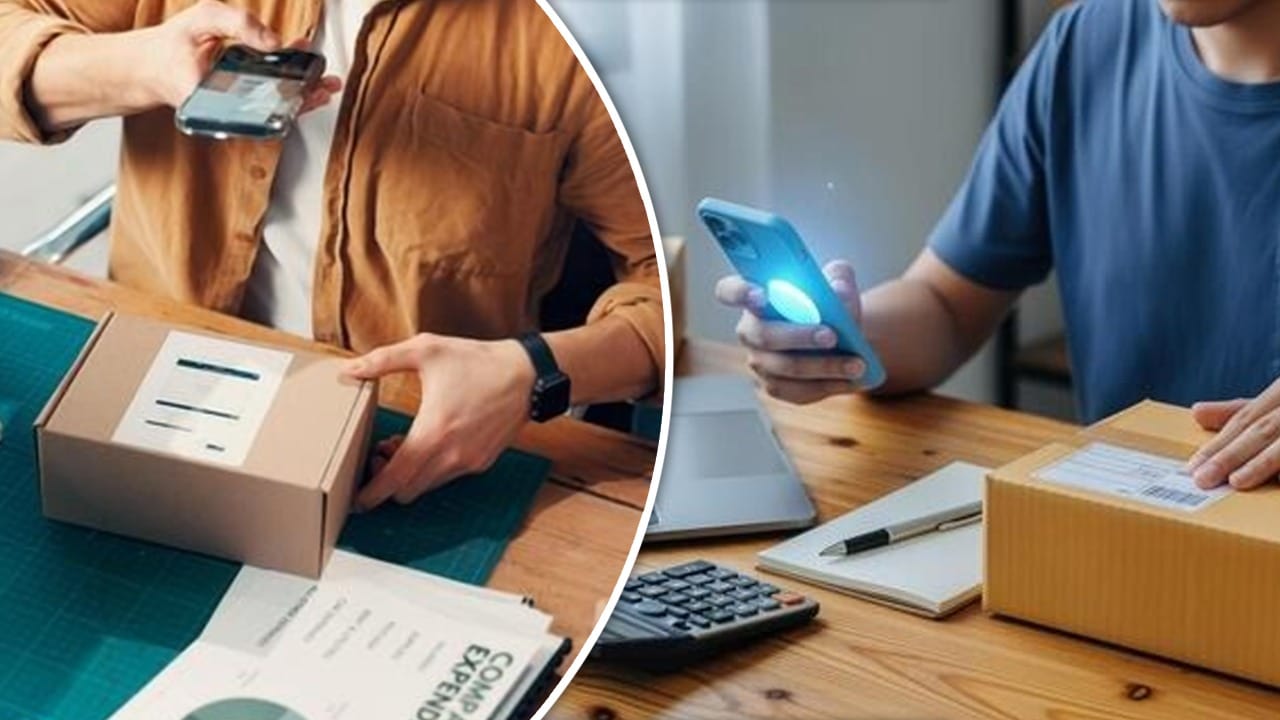
Online shopping has made it easy to order a new smartphone or laptop from home, but problems can still appear after delivery that hits your wallet. Many buyers rush to use the device the moment the box arrives, driven by excitement. Yet experts emphasize taking careful steps before switching on any freshly unboxed gadget. A careful video record helps buyers secure fair remedies.
Today, e-commerce platforms have tightened return and replacement rules. If you receive a damaged phone, a counterfeit product, or a defective device, you must provide evidence along with your complaint. An unboxing video can be a powerful aid, but filming correctly matters. Focus on capturing clear proof of packaging, seals, and accessories to support your claim.
What to show on camera before opening the inner box
Begin recording before you touch the package. Shoot the courier parcel from all sides, showing each corner to prove the item was intact on delivery. Then place the package on a flat surface and capture the shipping label clearly, including your name, order ID, and the tracking number. Recording these details helps verify the box never opened en route.
When you remove the outer box, record the inner box and the brand seal. If the seal is broken or already open, show it on camera and note it in your recording. As you unveil the device, log the IMEI or serial number visible on the packaging and ensure the label matches what you ordered.
Check the device before turning it on
Do not rush to press the power button immediately. After opening the box, inspect the screen, body, camera lens, and charging port with care. Rough handling during transit can crack a display or leave blemishes, and early power-on attempts may obscure damage that would be easier to document later. Take your time to look for irregularities.
Next, remove every accessory from the box and lay them out on camera. Show the charger, USB cable, adapters, and any included manuals. Missing or substituted items are a common complaint, so documenting what arrives on screen creates a clear trail for refunds or exchanges and helps avoid later disputes with the seller.
Throughout the unboxing, keep the recording running without pauses. Stopping or editing can undermine your evidence. Place the device on a stable stand if possible, and enlist someone to help keep the camera steady. When you finally power on the device, capture the boot process, and note any problems such as lines or failure to boot.
This approach yields a strong, unedited video that can support a return or replacement claim. A finished clip showing the device booting to the home or setup page provides clear proof of its condition at delivery and the buyer’s actions. It also aligns with the stricter rules that e-commerce platforms now enforce.